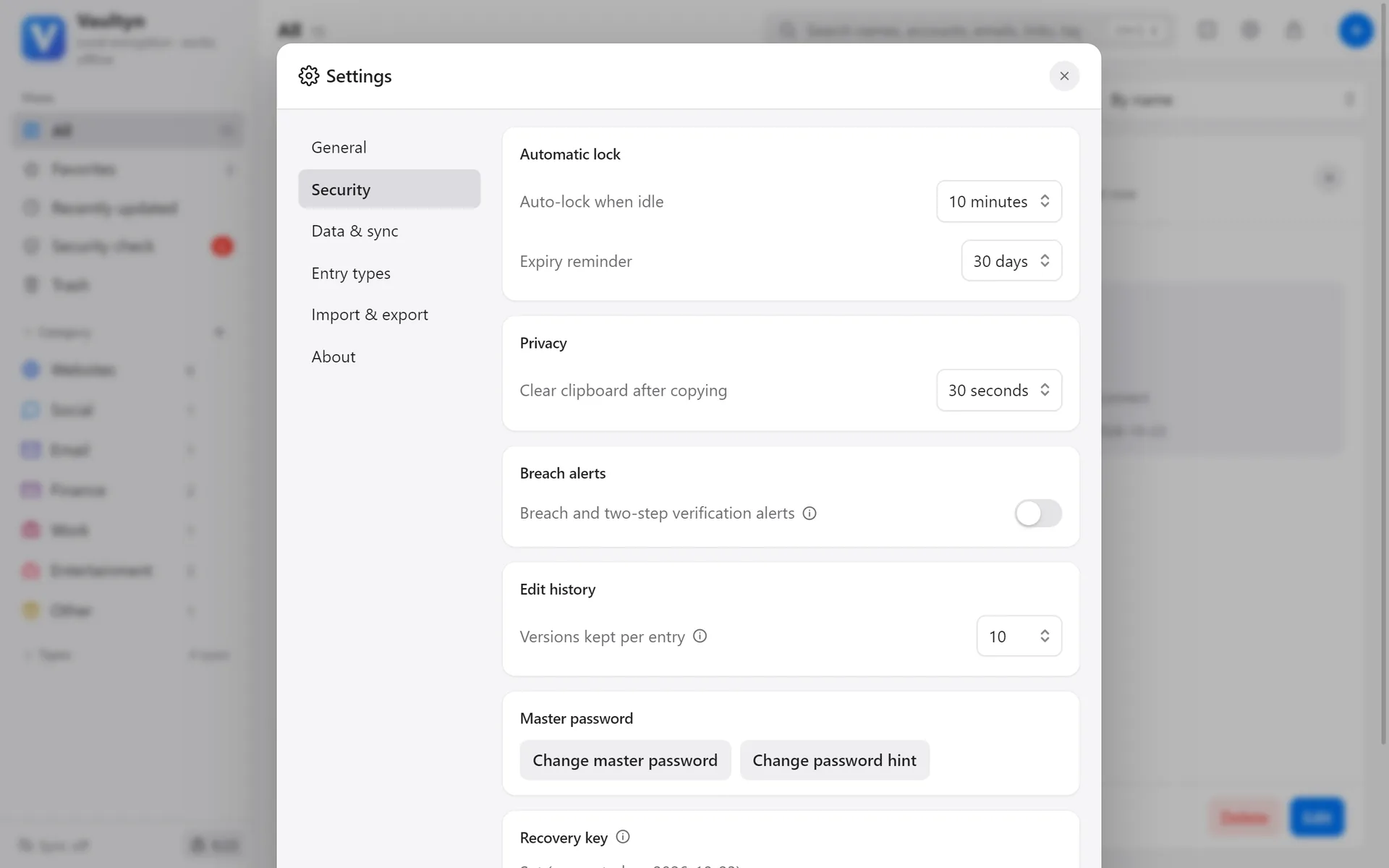
One entry holds everything about an account
Beyond username and password, record the linked email, phone number, how you sign in (for example “via another account”), notes and tags. Several accounts on the same site can live in one entry.
- Password strength and a history of past passwords
- Recent versions of every entry are kept, so mistakes can be undone
- Search by name, account, email or tag
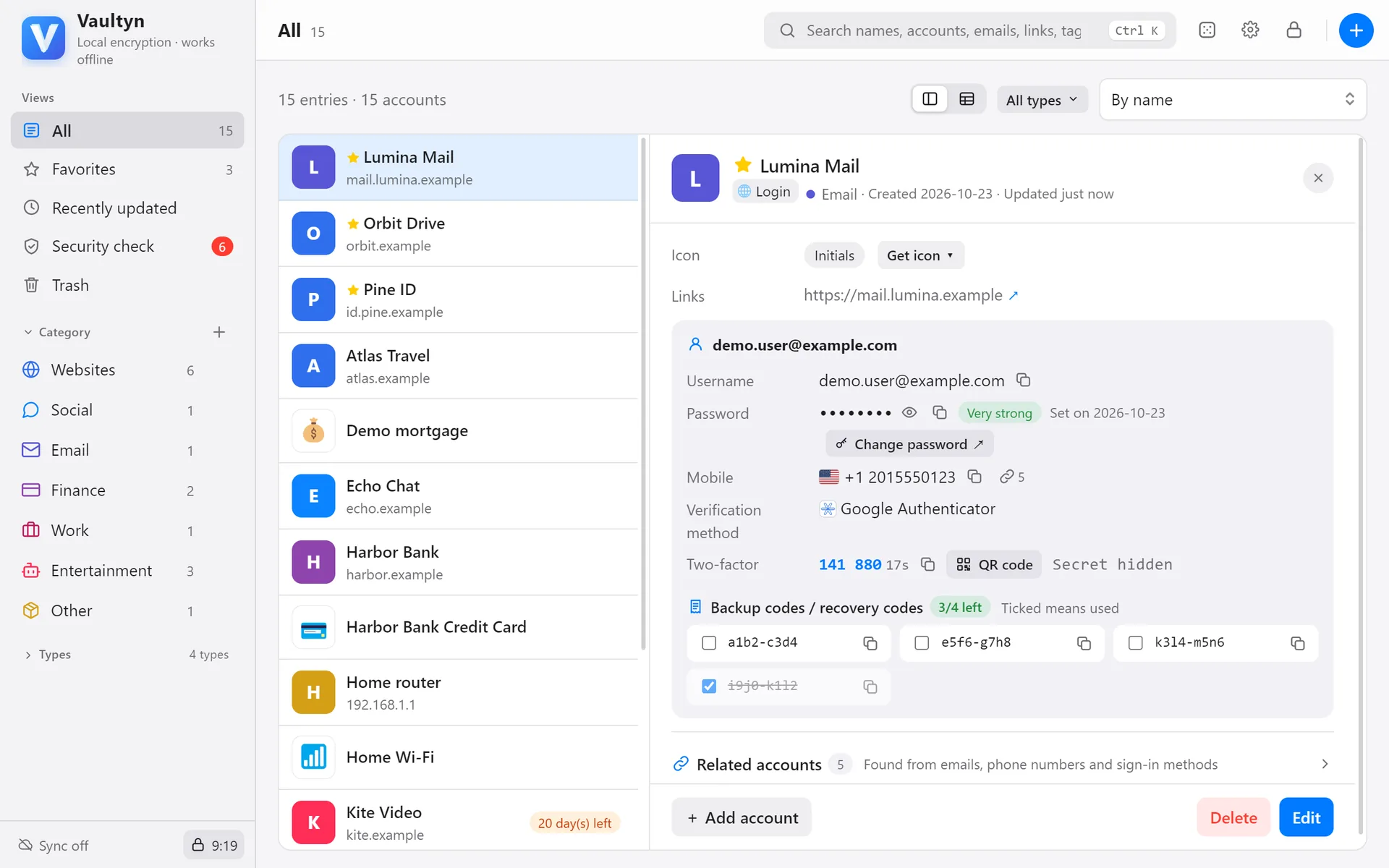
Long, hard-to-guess passwords in one click
Random characters or readable word phrases. Adjust length and character sets; look-alike characters are excluded automatically.
- Random: any mix of upper and lower case, digits and symbols
- Phrase: a few words joined together — easy to remember, hard to guess
- Copy with one click; the clipboard is cleared after a set time
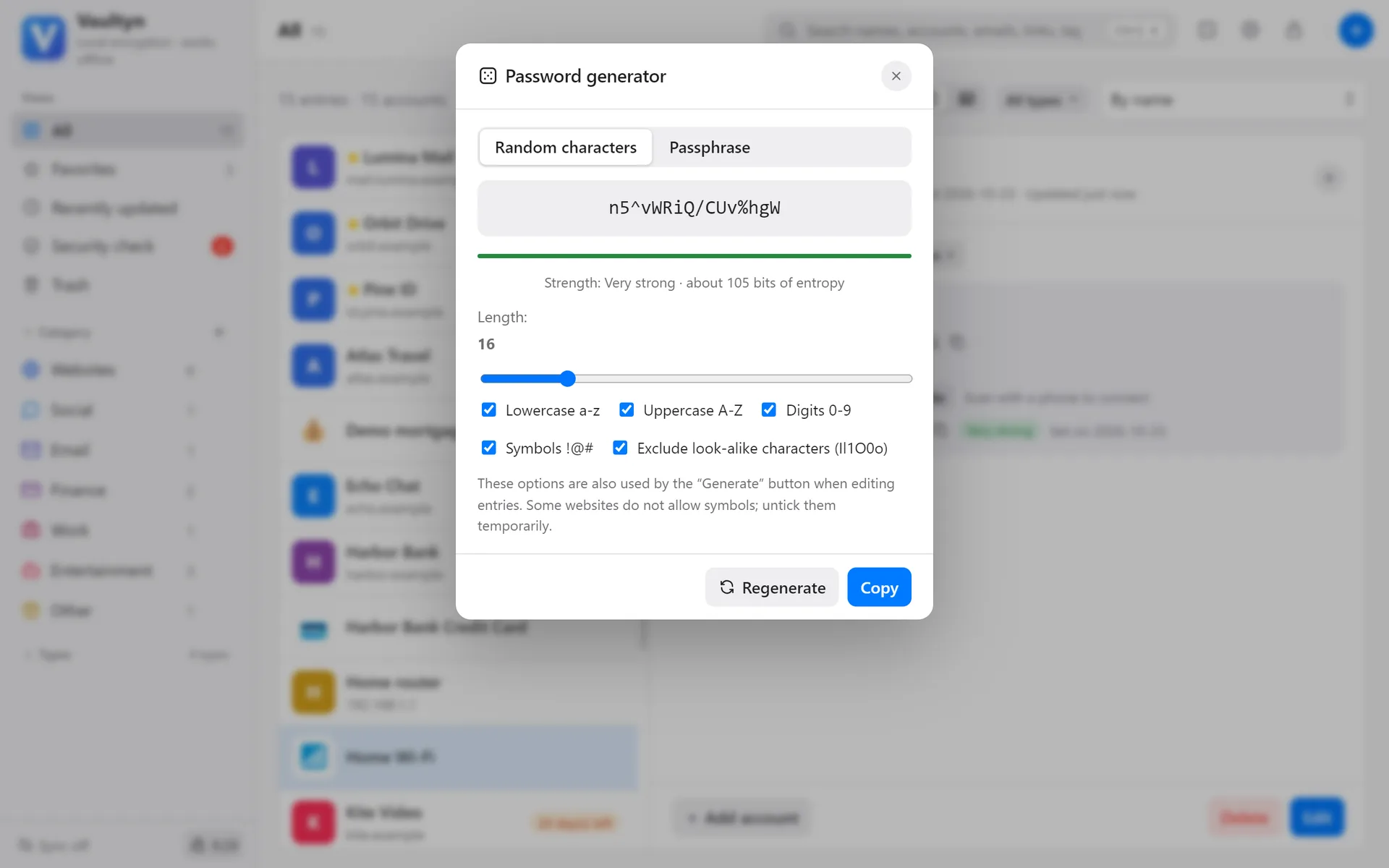
Codes, backup codes and security questions together
Add a two-factor secret and Vaultyn shows the same 6-digit codes as your phone’s authenticator. Tick off backup codes as you use them and see how many are left.
- Paste a secret or an otpauth link
- Bulk import from Google Authenticator
- Show a QR code to add the account to your phone’s authenticator
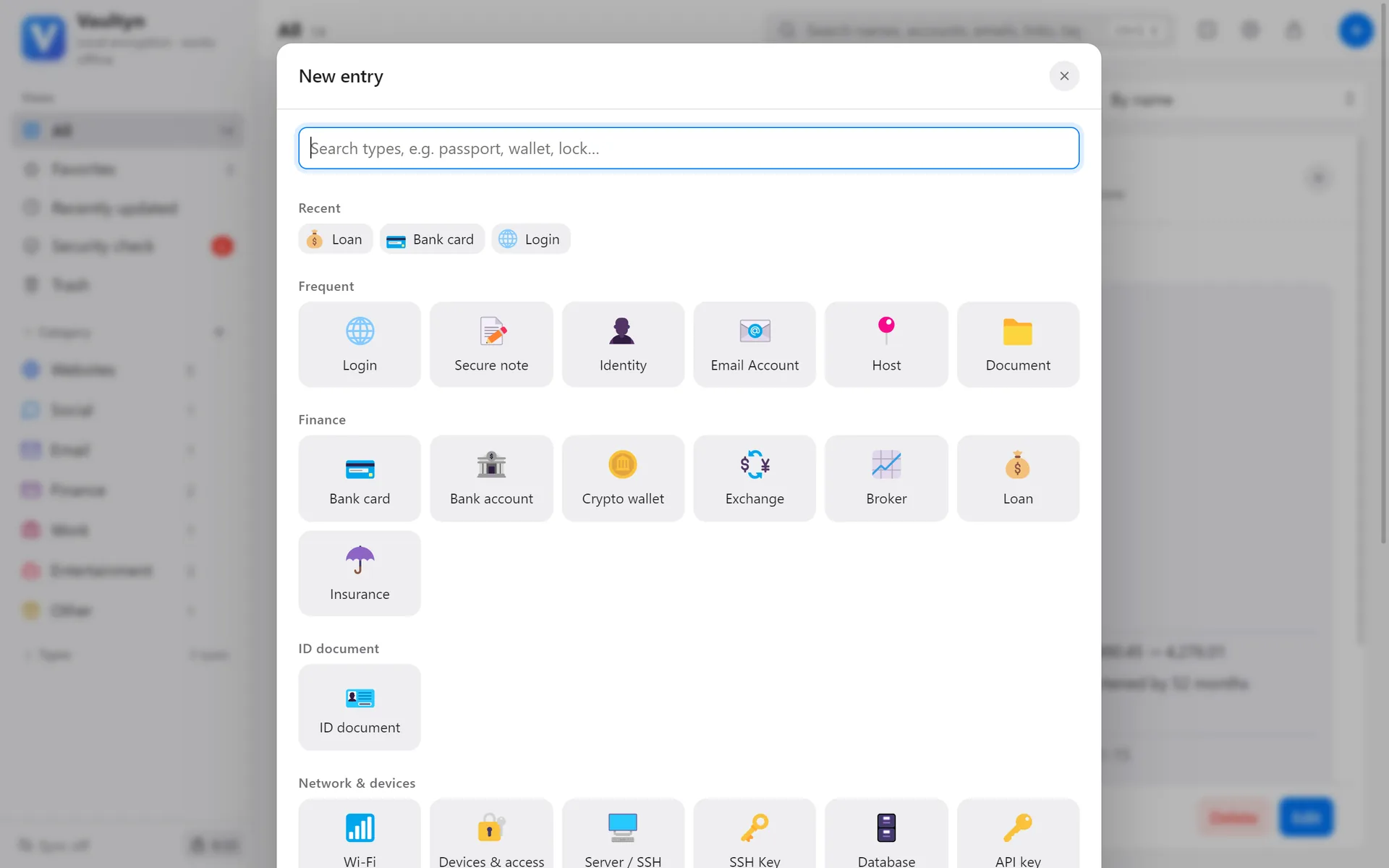
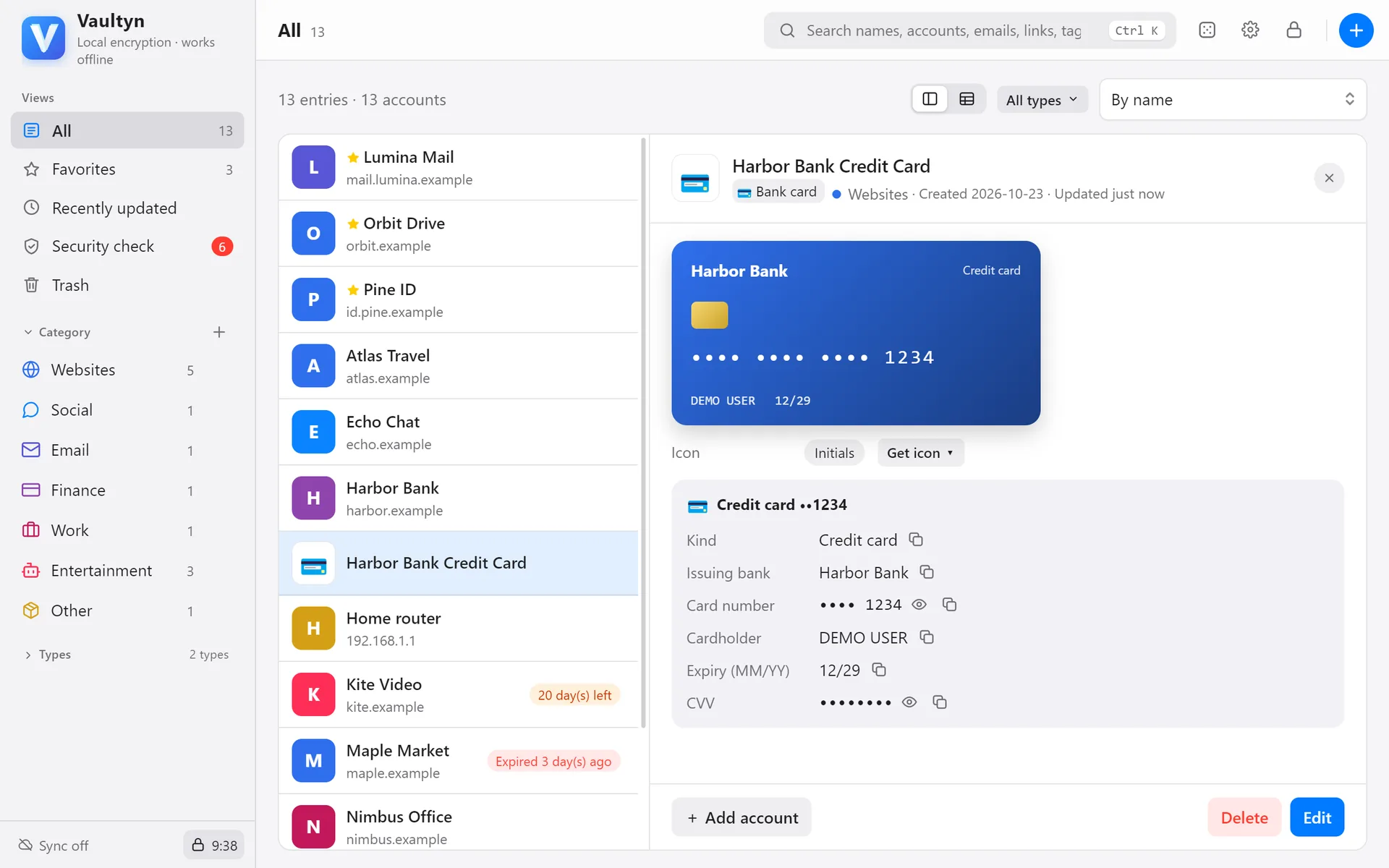
Cards, IDs, Wi-Fi, servers… each with the right fields
Every type has dedicated fields: cards have number, expiry and a card face; IDs have number and expiry; servers have address and keys. Common fields are up front; the rest sit under “More fields”.
- Logins, cards, bank accounts, IDs, Wi-Fi, servers, SSH keys, software licenses, memberships, insurance, vehicles, loans and more
- Several cards or IDs under one account
- Drag fields into your own order; every entry of that type follows it
- Create your own types when you need them
Recognise every card at a glance, never miss a payment
Cards look like cards — pick a color or use a photo for the face. Payment and annual-fee dates are reminded in advance; loans calculate monthly payments, remaining principal and a full schedule.
- Reminders before payment, annual-fee and expiry dates
- Loans support annuity and equal-principal repayment, plus rate changes and prepayments
- Optional asset summary with currency conversion
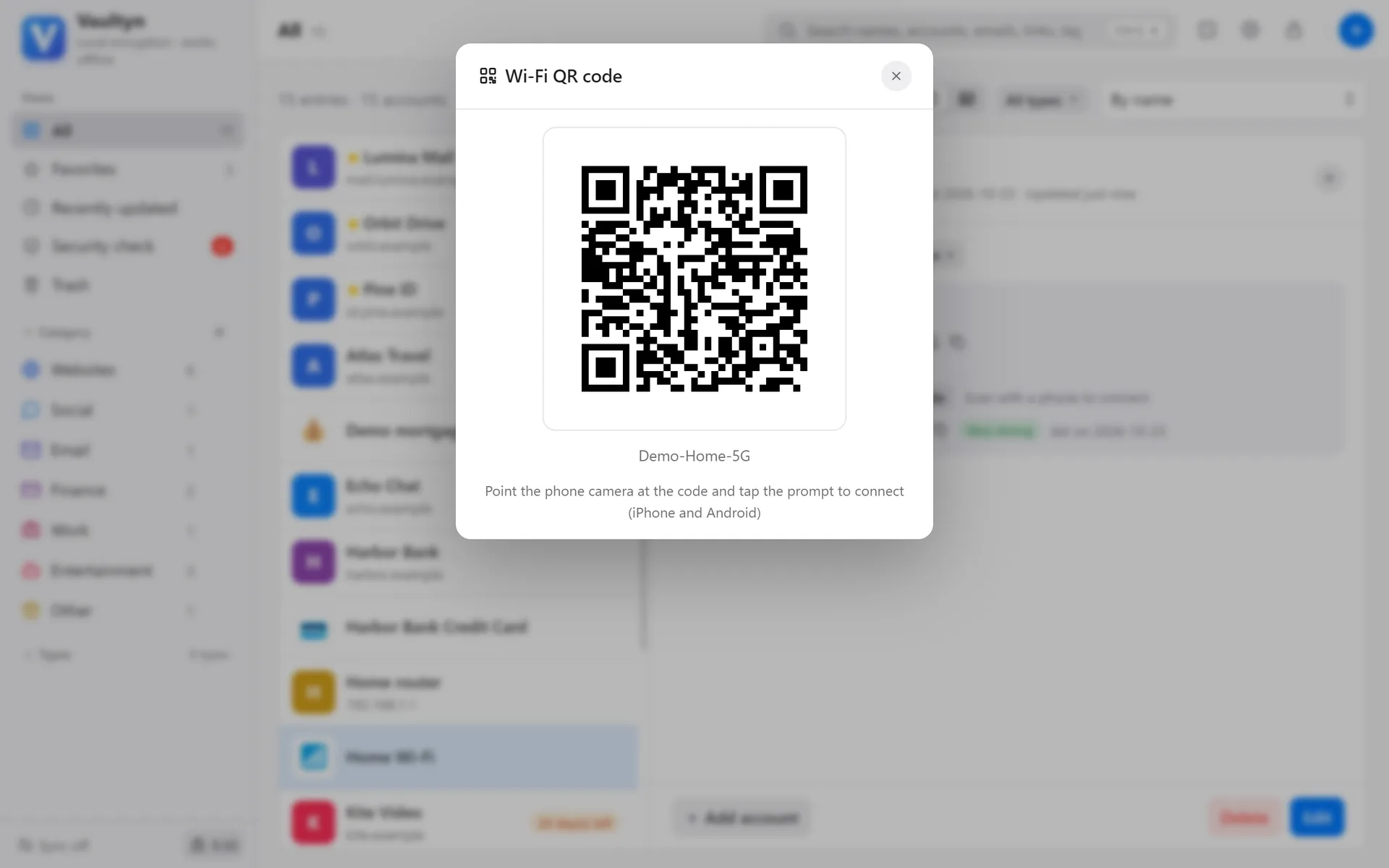
Guests scan a code to get online
Save your Wi-Fi name and password, then show a join QR code. Guests just point their phone camera at it — no more spelling out passwords.
- Works with iPhone and Android cameras
- Keep the router admin address and password too
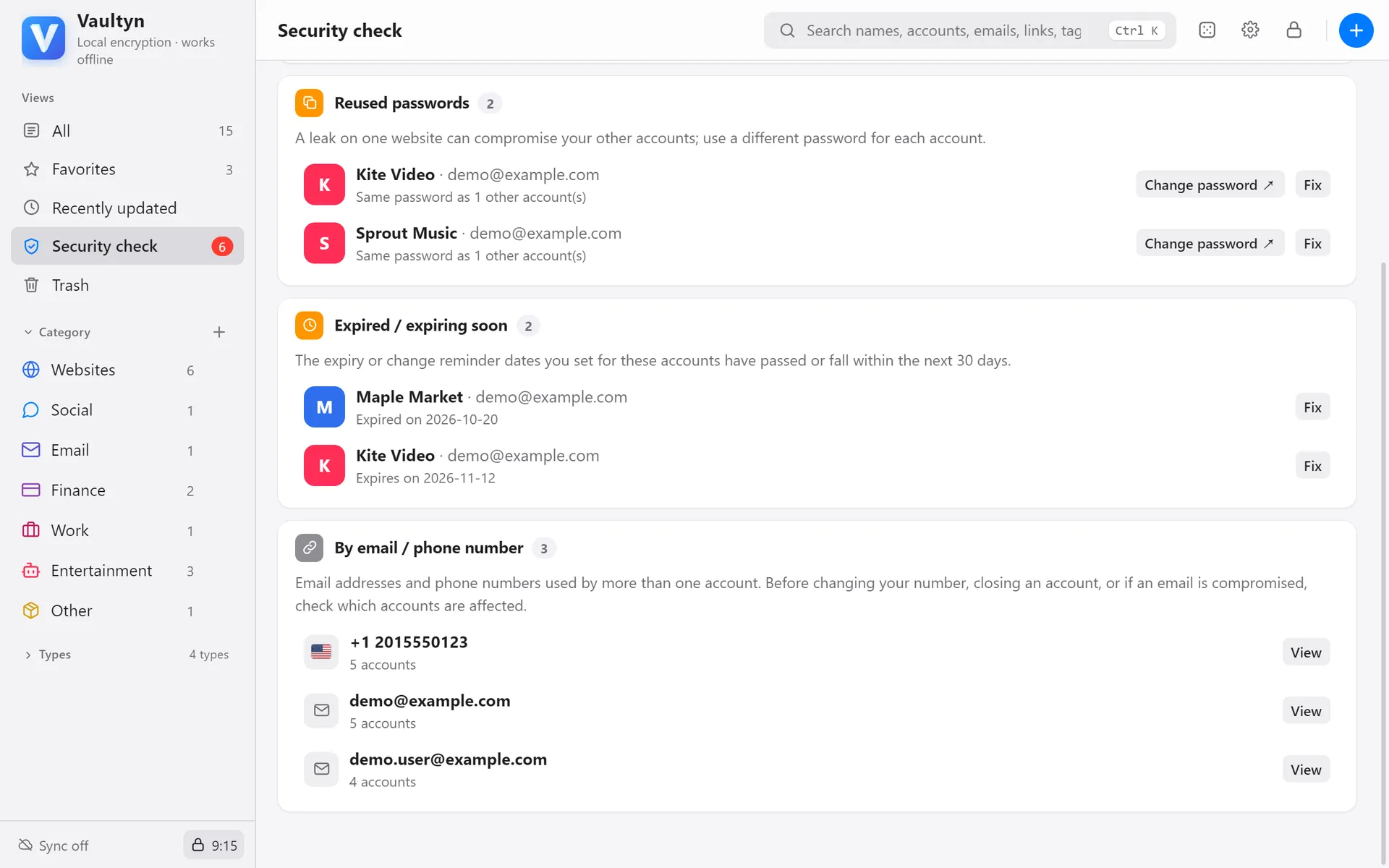
See everything that hangs on one email address
Accounts are grouped by email and phone automatically. Before an email gets hacked or a number gets cancelled, see which accounts it affects and update them one by one.
- Emails, phone numbers and sign-in methods linked automatically
- Jump straight to each account
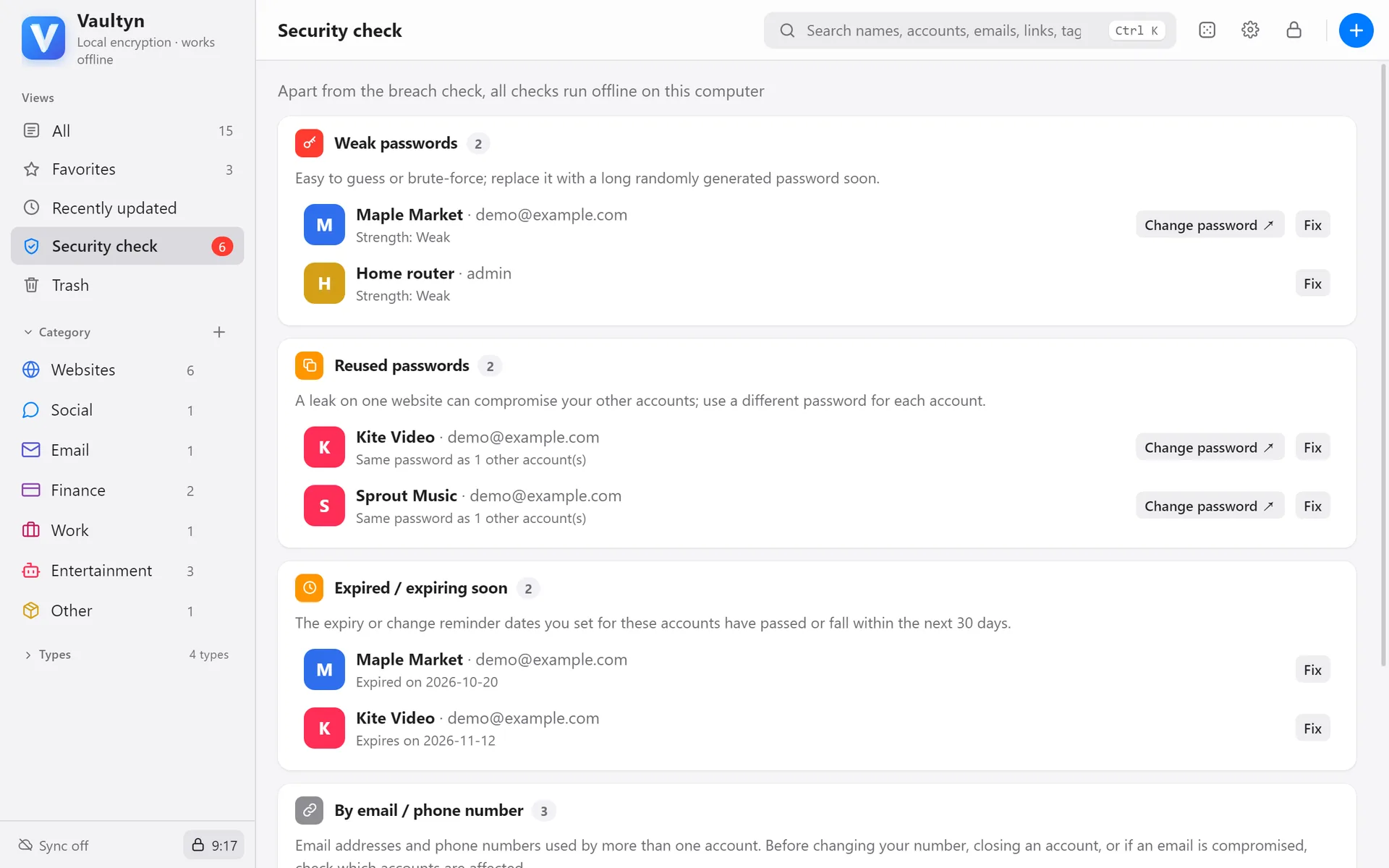
Weak, reused, breached and expiring — flagged for you
No digging through entries: accounts with problems are listed, each with a way to fix it.
- Password strength and reuse checks
- Known-breach check sends only the first 5 characters of a hash; the password never leaves your Mac
- Reminders before IDs, memberships, subscriptions and domains expire, rolled forward in one click after renewal
Move over from another app in minutes
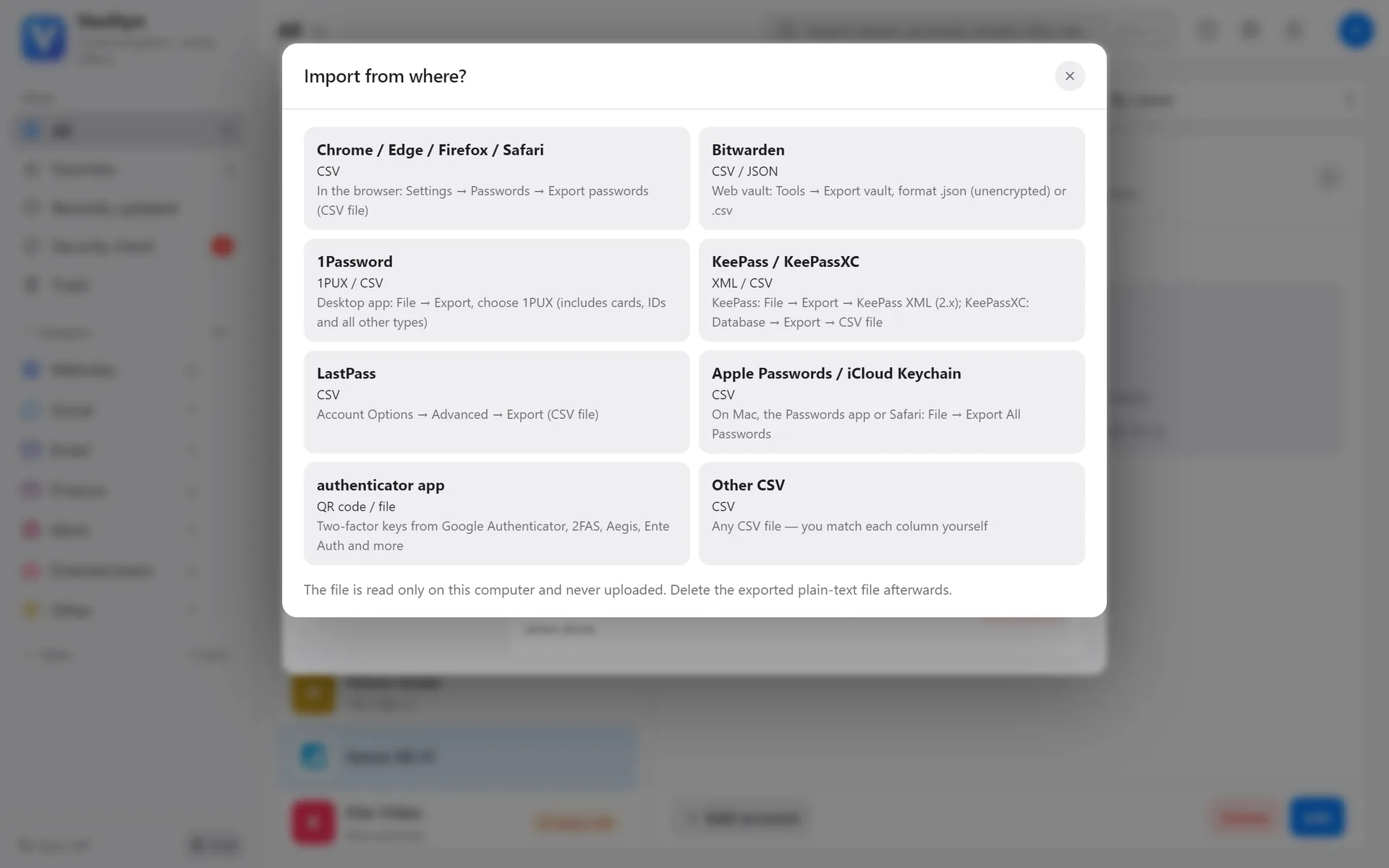
Import files exported from 1Password, Bitwarden, KeePass, LastPass, Apple Passwords and browsers, or any CSV. Preview and choose what to bring in first.
- Cards and IDs come along too (1Password, Bitwarden)
- Importing happens on your Mac; nothing is uploaded
Your data lives in your folder, wherever you want it
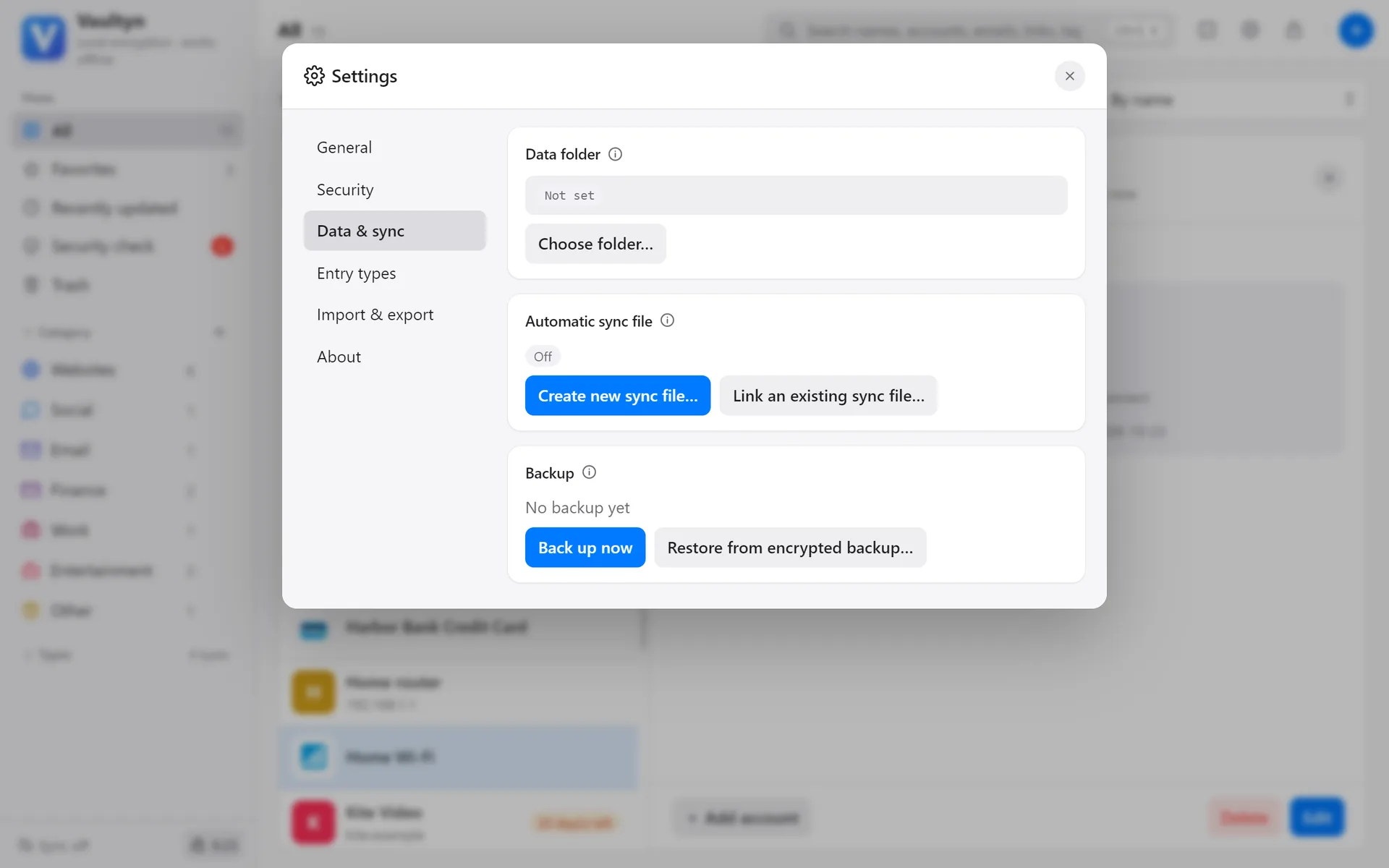
Encrypted data is saved in a folder you choose. Put it in iCloud Drive, Dropbox or another synced folder to use it on several Macs; daily backups happen automatically.
- Every change is saved immediately, with a backup before the first change each day
- Attachments such as ID photos and scanned contracts are encrypted too
- Restore from a backup at any time
Step away and the vault locks itself
Locks after a period of inactivity, and when your Mac locks or sleeps. Unlock quickly with Touch ID, and show or lock Vaultyn anytime with global shortcuts.
- Adjustable auto-lock and clipboard-clearing times
- Touch ID unlock
- Global shortcuts: ⌘⌥P to open, ⌘⌥L to lock