Account map
See everything that hangs
on one email address
Before an email gets hacked or a number gets cancelled, see exactly which accounts it affects.
- Grouped by email and phone automatically
- Record how each account signs in (e.g. via another account)
- Jump straight to the account to fix it
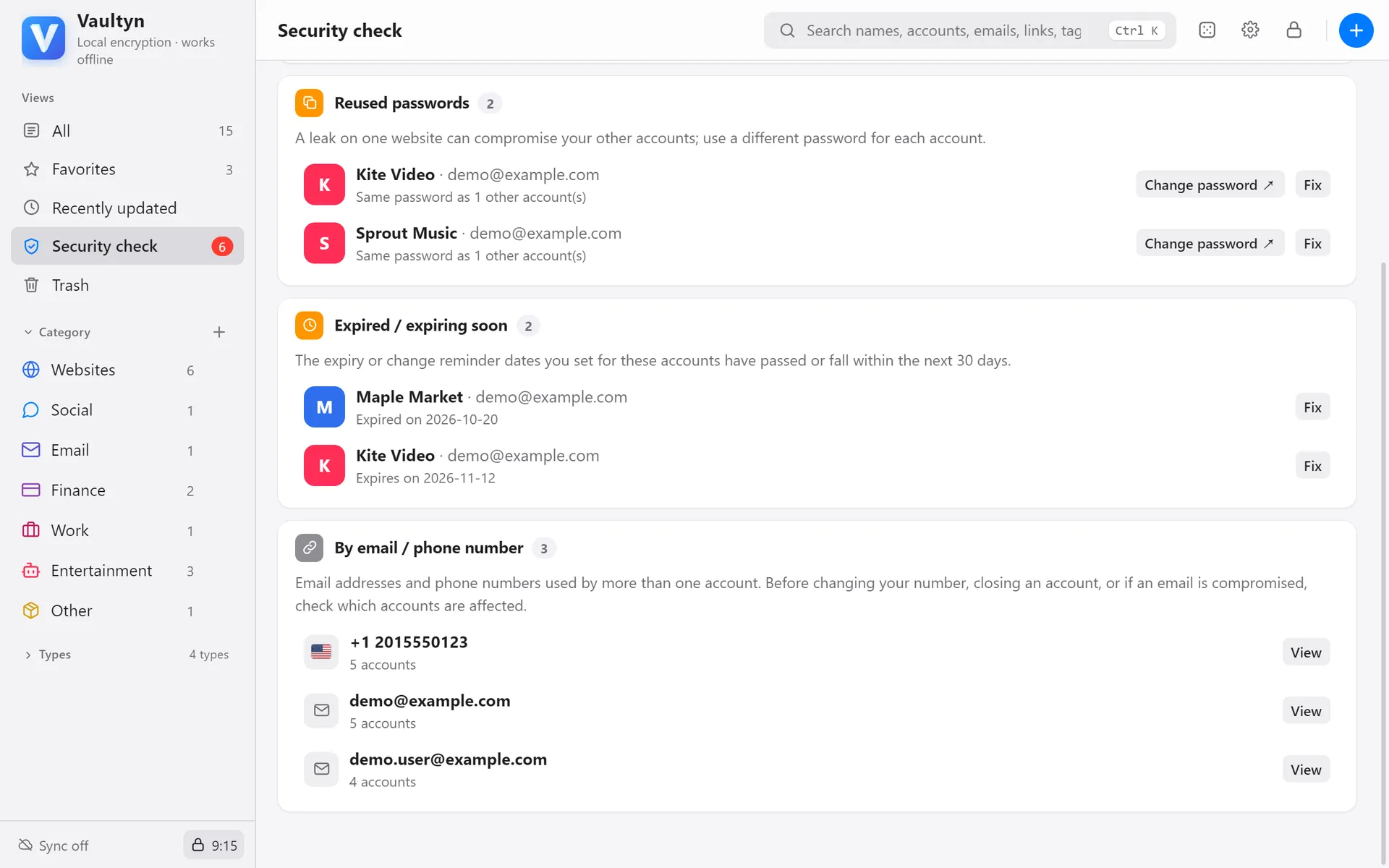
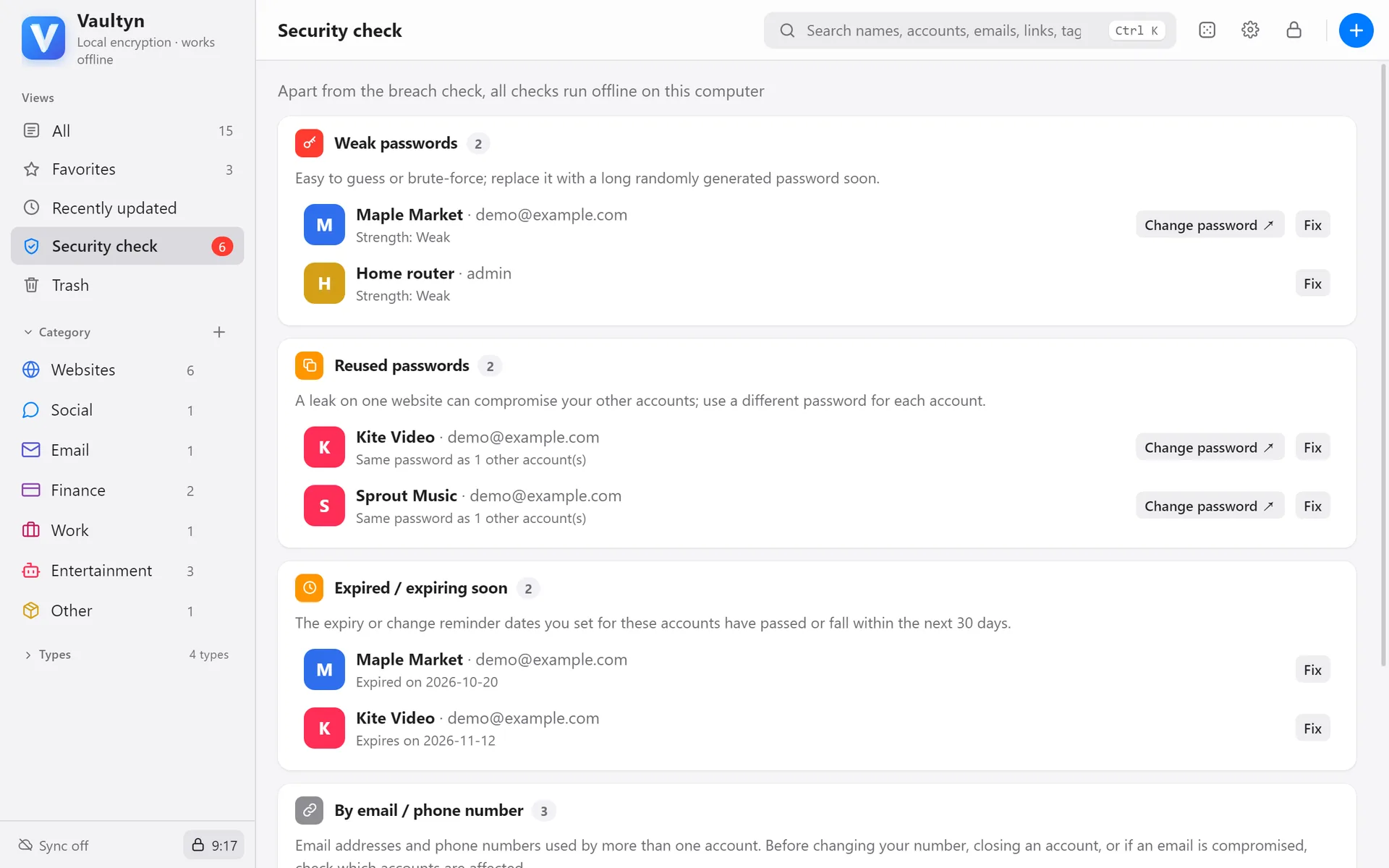
Security check
Weak, reused, breached
and expiring — flagged for you
No digging through entries: problems are listed with a way to fix each one.
- Password strength and reuse checks
- Known-breach check (sends only the first 5 characters of a hash)
- Reminders before IDs, memberships and subscriptions expire
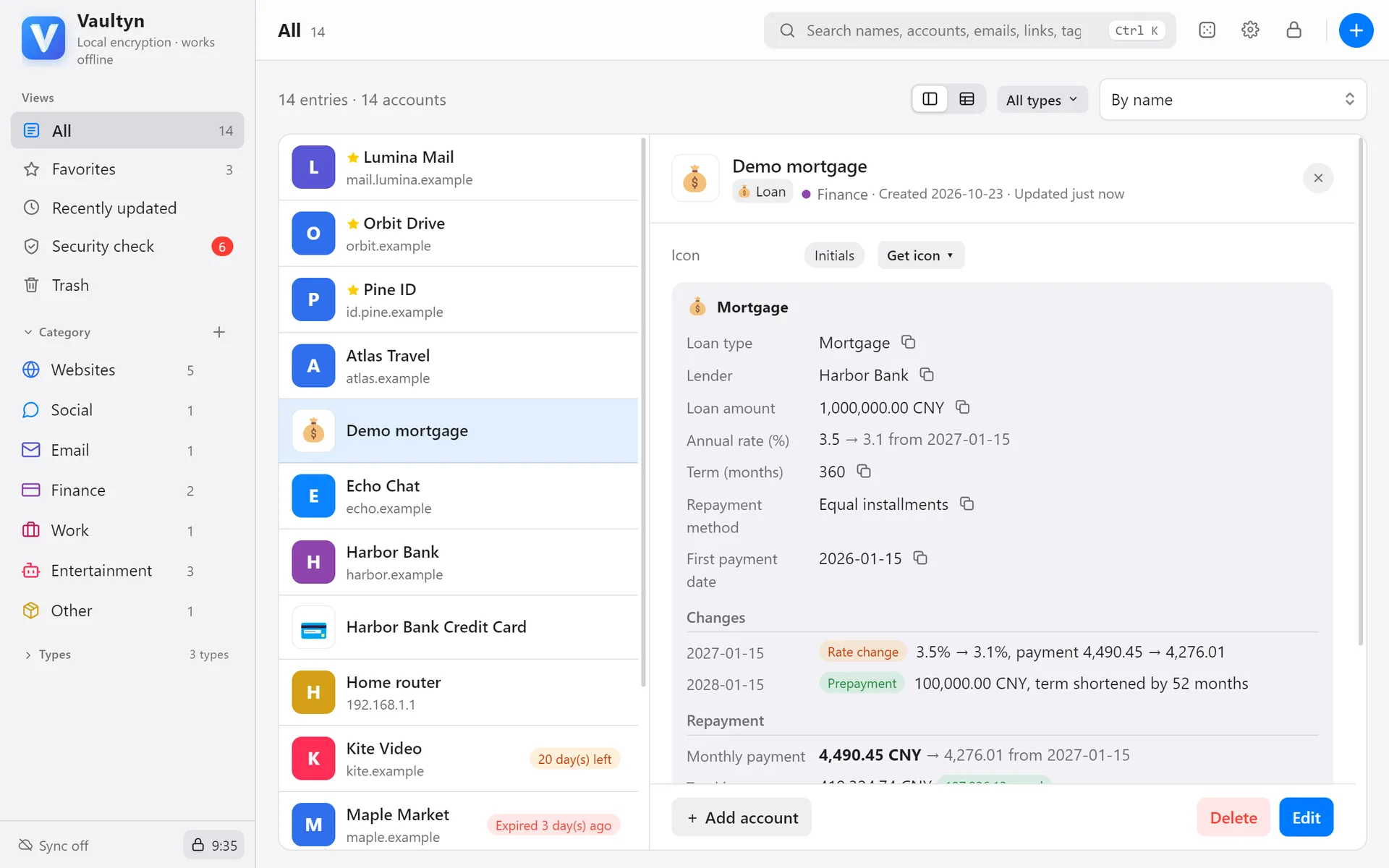
More than passwords
Cards, IDs, Wi-Fi, loans…
30+ entry types
Every type gets the right fields and layout: cards show a card face, Wi-Fi makes a join QR code, loans calculate monthly payments and a full schedule.
- Common fields up front, the rest under “More fields”
- Several cards or IDs under one account
- Create your own types
🔢
Two-factor codesBuilt-in authenticator shows 6-digit codes🧾
Backup codesTick off used codes; see how many are left📶
Wi-Fi QR codeGuests scan to join your network📎
Encrypted filesKeep ID photos and scans encrypted too⏰
Expiry remindersRenewals and payments, rolled forward in one click🖨️
Emergency sheetPrint it so family can take over if needed🌙
Dark modeFollows your system setting🔐
Touch IDUnlock with your fingerprint